
The print shop for your agent
Design and print anything with your agent, delivered to your door.
Works with
 Claude
 ChatGPT
 Gemini
 Grok
 Muse AI


How your agent orders
Ask. Approve. Delivered.
Add Designprint to your assistant once. After that, ordering print is a conversation: say what you need, pick a design, approve it, and we print and deliver it.
Add it once
Add Designprint to your assistant. It is one address, pasted where your assistant adds connectors.
Say what you need
Like "250 business cards" or "a flyer for Saturday." It asks for your details, then shows you designs to choose from: a gallery of card designs with your details on them, or the design it made for you.
 Your proof is ready
Approve, and it is delivered
You get one link with your proof. Approve it or ask for changes, pay, and we print it and deliver it to your door.
Claude Code: run this once.
Terminal: business cards work over plain HTTP. Post the details and open the link.
Design and order in about 2 minutes
Design it from a ready-made template or your own file, and it is printed and delivered. No Figma, no Canva, no design software to learn or sign into.
- 1
Choose a design
Pick from hundreds of ready-made templates for every product and put your own words on it, or upload a file you already have.
- 2
Check it and pay
See the proof at the size you chose, pick a quantity and shipping, and pay. No account needed.
- 3
We print and deliver
We print exactly the design you approved and deliver it to your door.
Products you can design and print
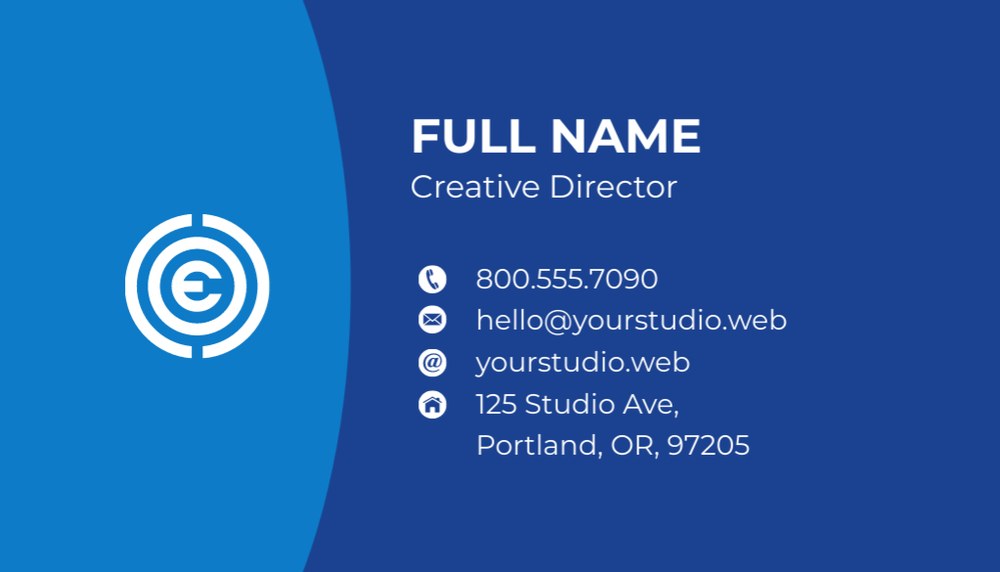

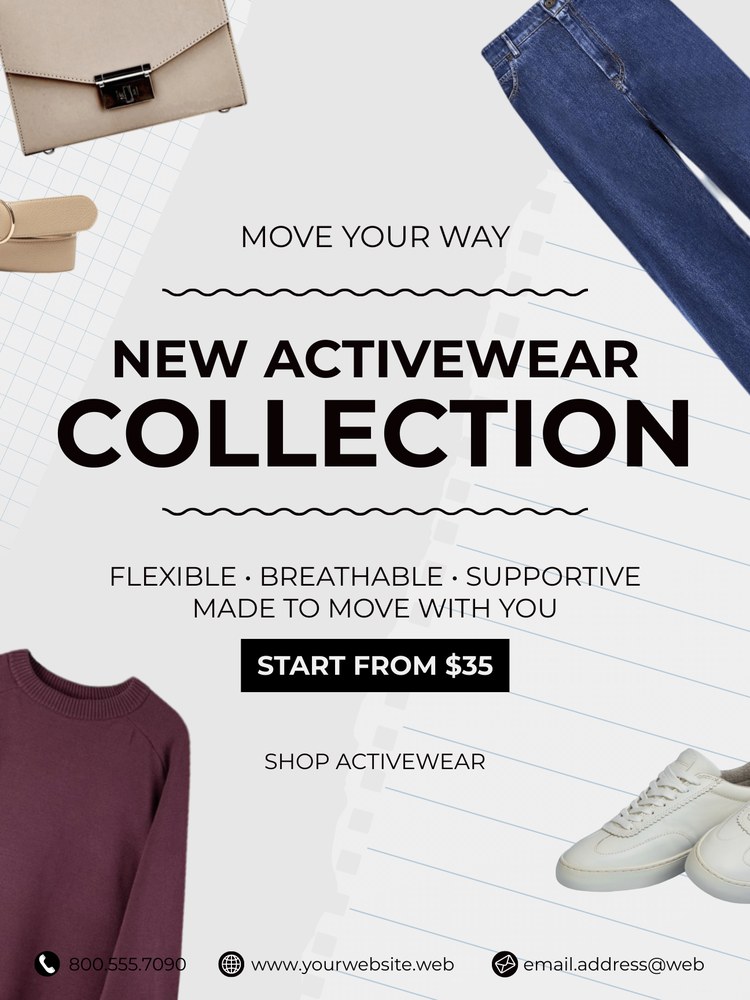
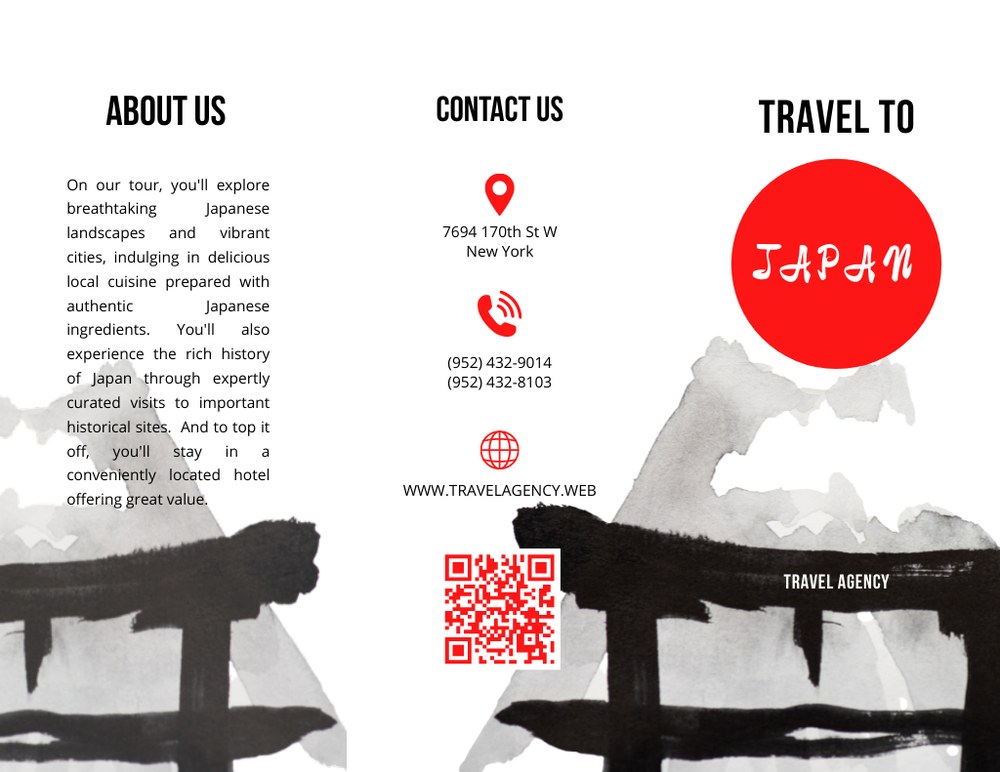
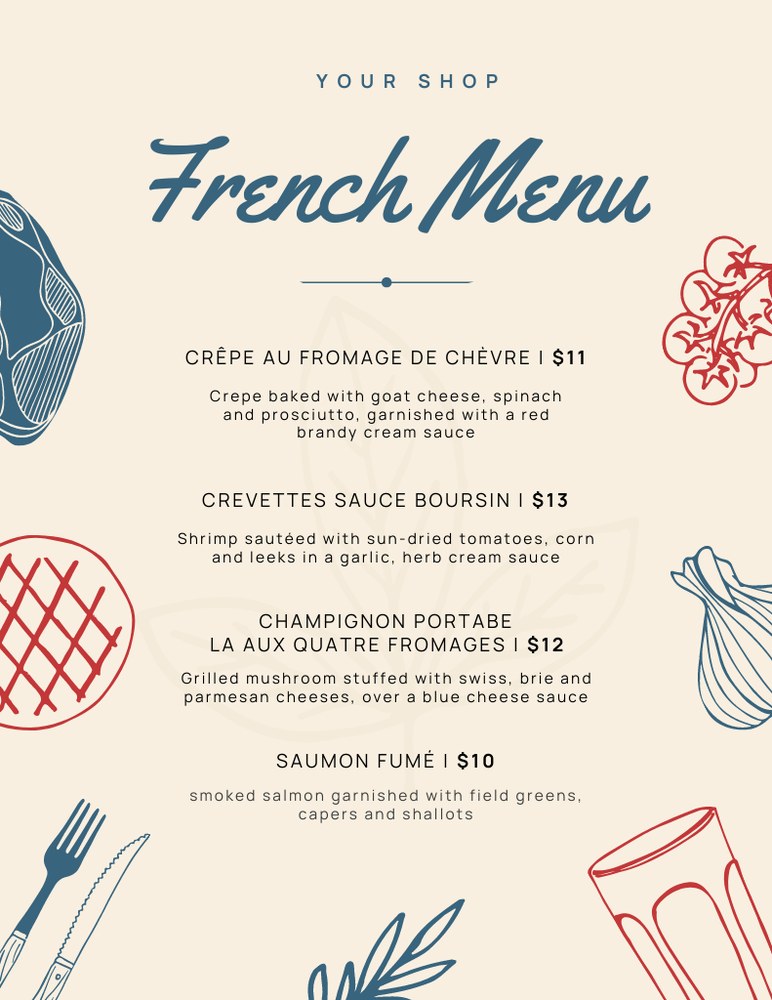
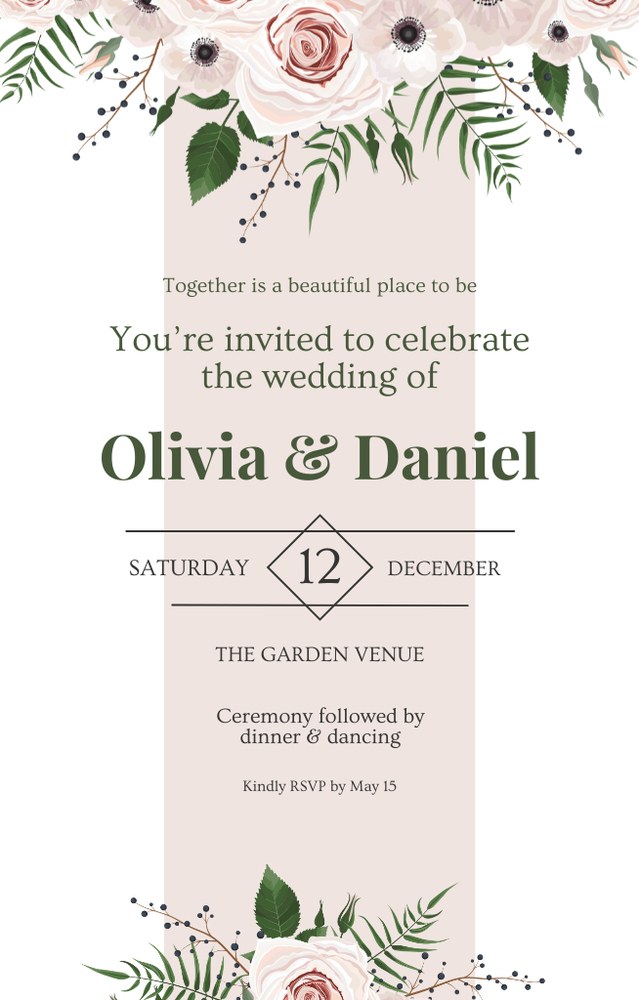
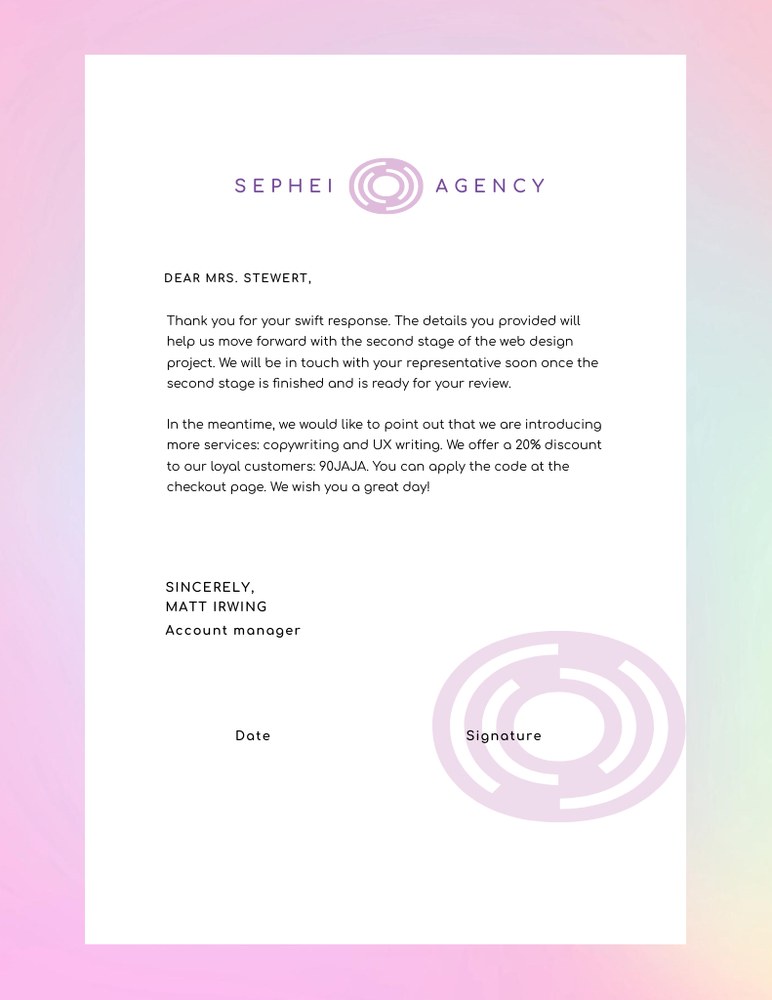
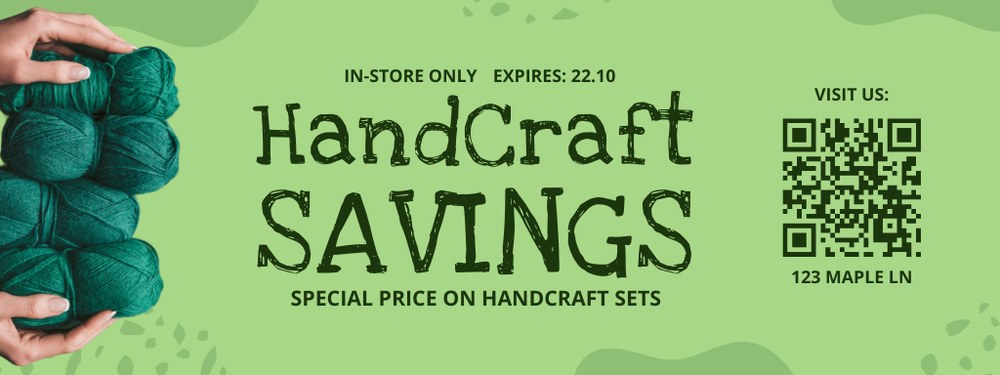
Coming soon: fabric prints, apparel and more.
No assistant? Start here.
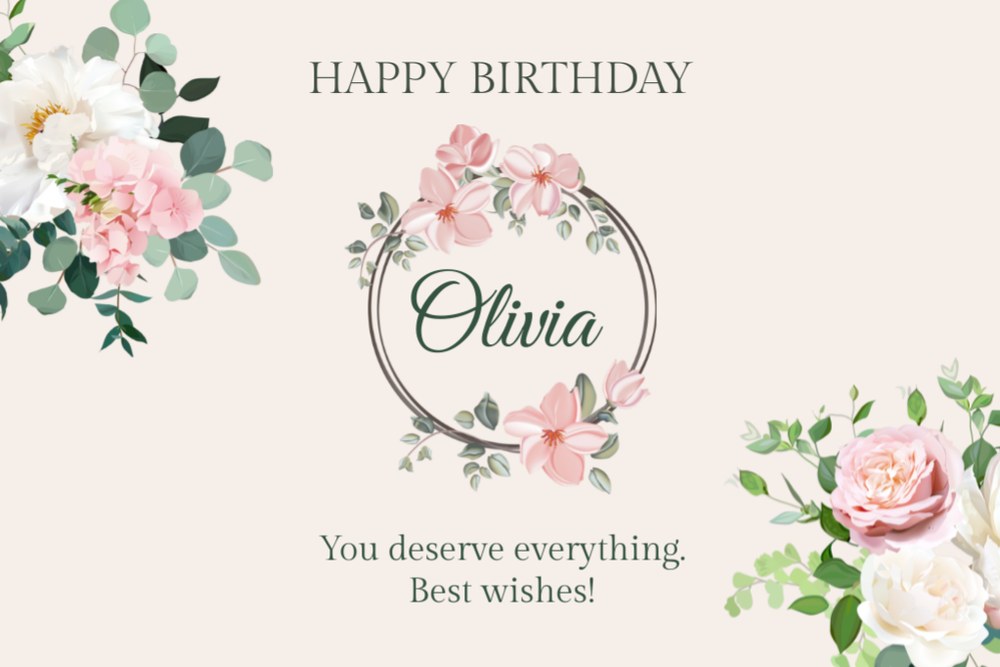
Start from a template
Pick a product, choose a real design and make it yours in your browser.
Upload a finished file
Bring a print-ready PDF, PNG or JPG. It is checked against the size you pick, and you see the proof before you pay.
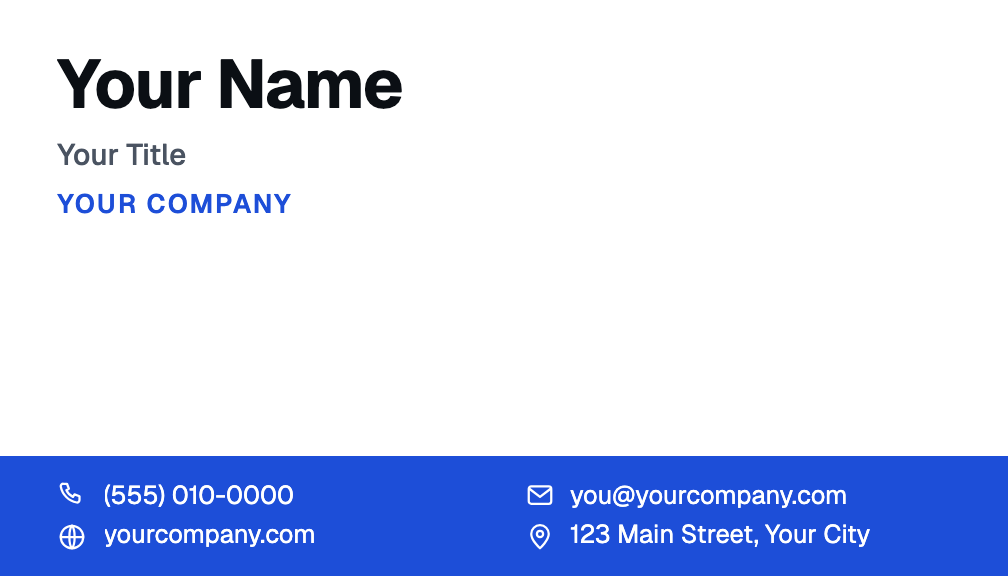

Make a card now
Type your details and see a print-ready business card in a couple of seconds.
Built for people and their assistants
Design tools like Figma and Canva are built around a person working in an editor. Designprint is built so that you, or your AI assistant, can go from "I need 250 cards" to prints at your door.
Your assistant can do the whole job
It finds designs, fills in your details and prepares the order. You approve.
No design software to learn
Say what you need, or pick a template and change the words.
One place from design to delivery
The design, the proof, the payment and the printed order all happen here.
What your agent can order
Your assistant gets three tools: print a design it made, make a business card from your details, and check an order.
Flyers, posters, menus and more
Anything the assistant designs in the chat goes to print as it is: a flyer, a poster, a menu, an invitation, a postcard. It sends the design and you get one link to approve and pay.
Business cards from your details
Front and back, 3.5 x 2 inches. The assistant shows you card designs with your own details on them in a gallery you can scroll; choose one and it opens ready to change and order.
Payment confirmed in the chat
The assistant checks the order and tells you once the payment is in.
Questions
Which assistants does it work with?
Claude, ChatGPT, Gemini, Grok and Muse AI, and anything else that can connect to a remote MCP server, such as Claude Code. If yours cannot, you can order on this site in about two minutes, and developers can also make business cards over plain HTTP.
Do I need an account?
No. The link opens your proof and you pay as a guest. Sign in if you want your orders kept in one place.
Can the assistant pay for me?
Today your assistant prepares the order and you approve and pay from one link, which takes a few seconds. Paying straight from your assistant with a card you have saved is coming soon.
What exactly gets printed?
Exactly the proof you approve, at the size and quantity you chose, for any product. Before you pay you see the proof; text that does not fit or a file that is too low in resolution is pointed out first.
Can I bring my own design?
Yes. Upload a finished PDF, PNG or JPG in the shop. It is checked against the size you pick, a PDF with bleed is trimmed correctly, and you see the proof before you pay.
What if I need to cancel?
Cancel within 24 hours of ordering for a full refund; after that, 50% of the order total. If a print arrives damaged or defective, we reprint it or refund it.
Where do you deliver, and how fast?
Within the United States for now. On the order page you pick standard, express or overnight shipping, and you see the delivery time and the full price before you pay.
Add Designprint to your assistant
Paste this address where your assistant adds connectors.